
Your client sees the cut before you make it.
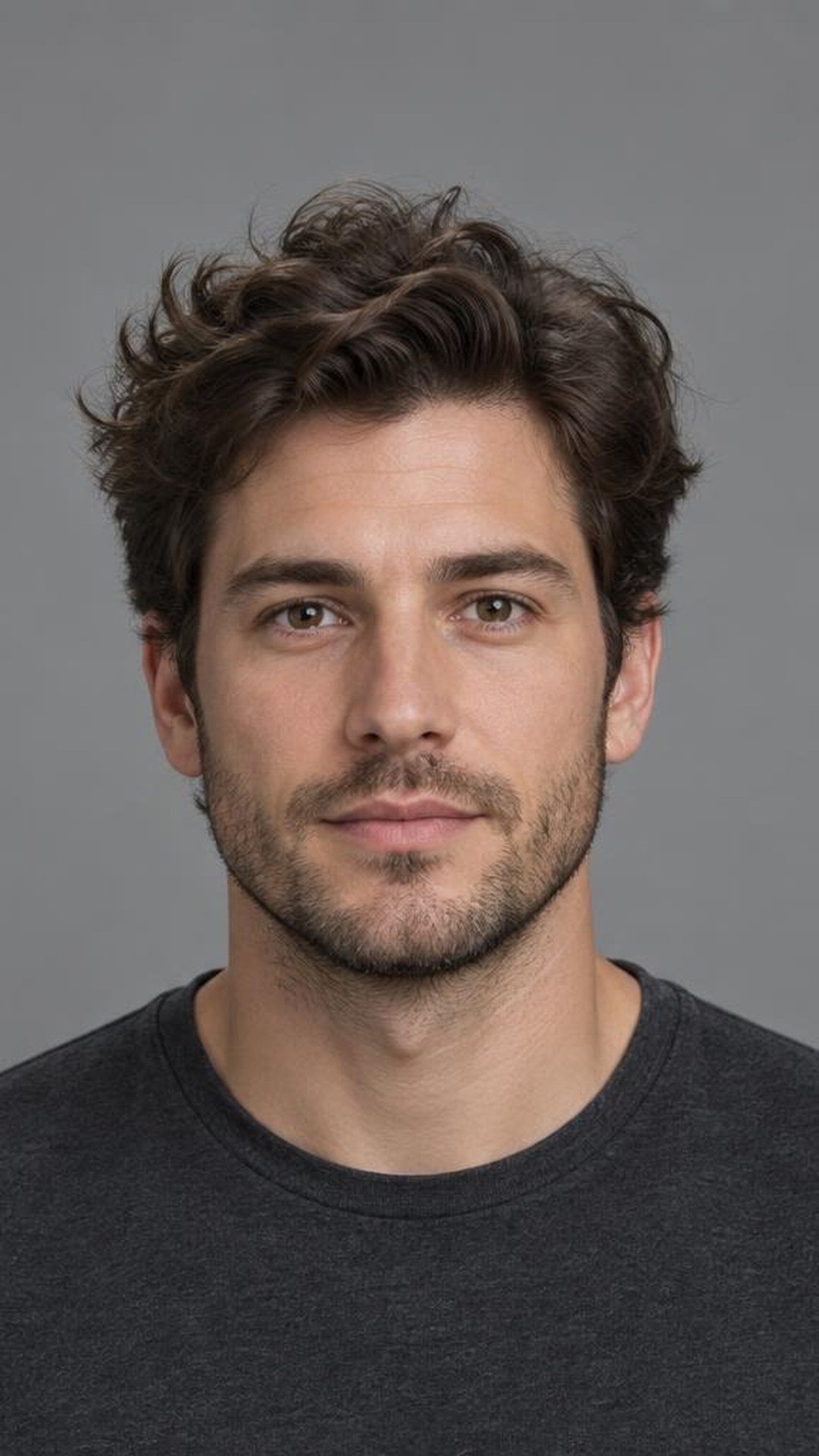
Before

After
How to use it
Take the photo
Front on, whole head in frame, hair not pushed back. Takes a second before you cape them up.
Set the cut
Sides and back, blend, blend height, top length, top styling, beard, colour. Tap the ones that apply and leave the rest alone.
Turn the screen around
About ten seconds and the render is up. They see themselves with the cut and say yes, or point at what is wrong.
Change it and go again
Move one setting, render again. When they agree, you cut with a picture you both already looked at.
Watch it work
A run through the app on a demo client, unedited. The screen you see is the screen you get.


Built for a phone in one hand
You are standing behind a chair with clippers in the other hand. Every control is reachable with a thumb, and nothing needs typing.
Barbershops and salons
Guards from skin to a number four. Taper, fade, burst and temple, with the blend set low, mid or high. Top length and styling, and the beard from a shape up down to clean.
Length from a dust to a pixie. Layers from one length through face framing, butterfly and shag. Fringe, finish, and colour including where the colour sits, from solid to balayage to a money piece.
Try it on your next client.
No card, no setup. Take one photo and see what comes back.
Questions? Go to contact@cutvision.app